Listen to this article
Your finance app holds a map of your whole life: where you bank, what you owe, how you spend. That map deserves real protection, not a checkbox feature locked behind a paywall. WIMM treats account security as table stakes, so every layer described here is available to free and Premium users alike. Here is exactly how it works and how to turn it on.

Start with a strong password
Sign-in is email and password. WIMM requires a minimum of 12 characters, which is longer than the eight that many sites still accept, because length is the single biggest factor in how hard a password is to crack.
A password alone is a good start, but it is one secret that can be phished, reused, or leaked in someone else's breach. That is why the next layer matters so much.
Turn on two-factor authentication
Two-factor authentication (2FA) means that knowing your password is not enough to get in. You also need a rotating code from a device you physically hold.
To set it up, go to Settings, then Security. WIMM shows you a QR code that works with any standard authenticator app, including Google Authenticator, Authy, and 1Password. You scan the code, your app starts generating a fresh 6-digit code every 30 seconds, and you confirm one of those codes to prove the link worked. From then on, every sign-in asks for the current code.
The secret behind that rotating code (the TOTP secret) is never stored in the clear. WIMM encrypts it at rest with AES-256-GCM, the same class of encryption banks rely on, so even at the database level it is unreadable.
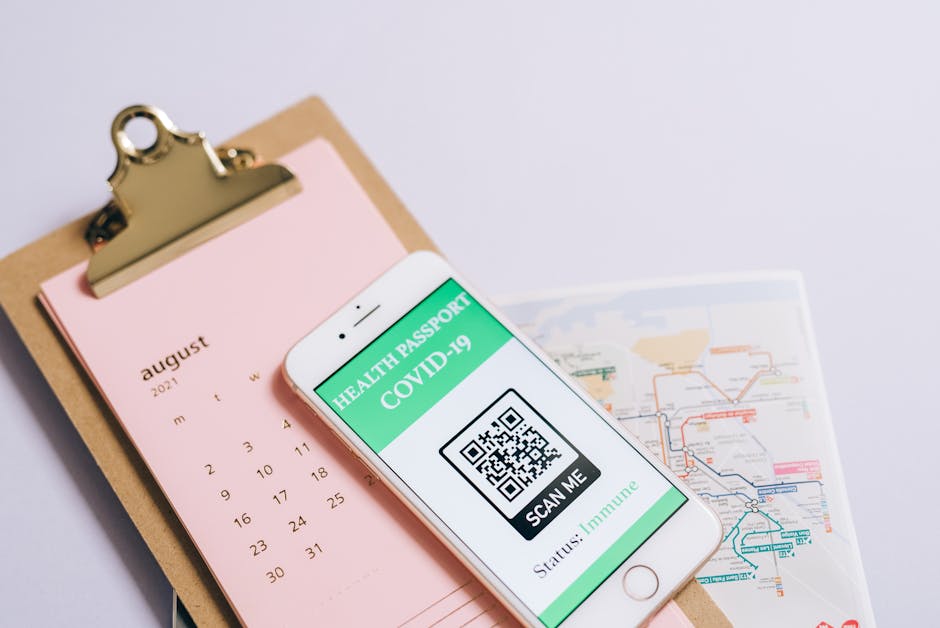
Photo by Leeloo The First on Pexels
Recovery codes for the day you lose your phone
Phones get lost, dropped, and replaced. If your authenticator app is the only way in, that is a problem. So during 2FA setup, WIMM gives you 10 one-time recovery codes.
Each code works exactly once and gets you past the 2FA prompt when your phone is not available. WIMM stores them only as bcrypt hashes, never as plain text, so the saved codes cannot be read back out of the system. If you ever run low or want to rotate them, you can regenerate a fresh set of 10 at any time, which instantly retires the old batch.
Photo by cottonbro studio on Pexels
Warning
Save your recovery codes somewhere safe before you leave the setup screen. Print them, drop them in a password manager, or store them with your other important documents. Because they are stored only as one-way hashes, WIMM cannot show them to you again later. If you lose both your phone and your codes, you lose your way in.
Trust the computers you actually use
Typing a code on every single login gets old fast, especially on your own laptop at home. WIMM gives you a sensible middle ground: when you sign in, you can check remember this device for 30 days on a machine you trust.
When you do, WIMM stores a long random token in a secure cookie. That token is not your password and not your 2FA secret, just a one-off marker that says "this browser already passed the check." You can trust up to 10 devices at once, which comfortably covers a personal laptop, a work machine, and a tablet.
The trust is not permanent, and it cleans itself up the moment your security posture changes. If you change your password or turn off 2FA, WIMM wipes every trusted device automatically. So if a laptop is lost or you simply want a fresh start, changing your password revokes that 30-day pass everywhere at once.
Privacy is part of security
Security is not only about who can log in. It is also about what happens to your data once it is inside.
The same AES-256-GCM encryption that protects your TOTP secret also guards other sensitive data at rest, and everything travels over TLS in transit, so it is encrypted both while stored and while moving. Just as important is what WIMM does not do: there are no ads, no behavioral tracking, and no selling of your data. Your financial picture is not the product. The subscription is the business model, which keeps the incentives pointed at protecting you rather than monetizing you.
How this compares
This level of care is genuinely bank-grade hygiene, and it is not universal in the budgeting world. Some apps put two-factor authentication behind a higher tier, and others skip parts of it or quietly treat your data as something to mine.
WIMM gives 2FA, encrypted secrets, recovery codes, and trusted devices to free and Premium users alike. Security is for everyone, because the cost of a breach falls on the person whose money is exposed, not on a pricing tier. You should not have to pay extra to lock your own front door.
Try WIMM
Want to see the app before you commit any real account to it? Open the demo with sample data and click around: app.wimm.money/demo. When you are ready, sign in, head to Settings, then Security, and turn on two-factor authentication in a couple of minutes.
Try WIMM today
The demo loads with realistic data and no signup. See what this article describes in action.